How Freelance Devs Can Track Client Website Maintenance
A client website maintenance tracker template for freelance developers to log updates, backups, renewals, and recurring care-plan work in one place.
Freelance developers rarely lose clients over code quality. They lose them over missed renewals, silent contact forms, and updates that never shipped. Maintenance is invisible until it breaks.
Tracking client website maintenance turns that invisible work into a service. Log what you did, when it is due next, and what needs approval. Clients stay because they see steady care.
What to track for every site
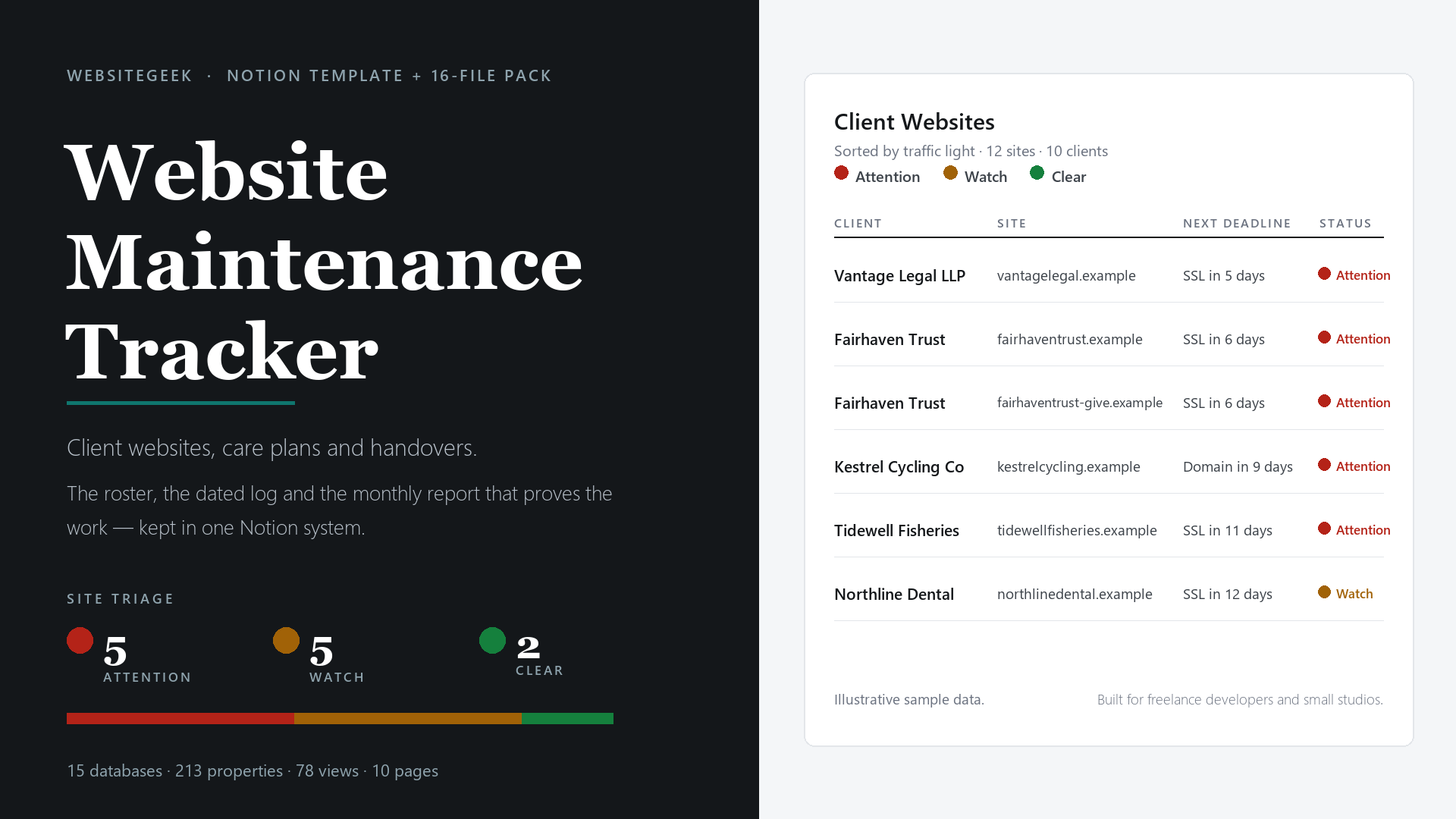
Each site needs a one-page roster: stack, host, DNS, SSL expiry, backup location, admin logins, and care-plan tier. When something alerts at 10pm, you should not hunt through old emails for credentials.
Keep client contacts next to tech details. Who approves plugin updates? Who pays for domain renewal? Clear contacts prevent delays when a quick yes is needed.
Updates, backups, and uptime
Log core, theme, and plugin updates with date and result. Note visual checks after each batch. A short line — “Updated Woo 8.2, checked checkout, OK” — saves hours if a conflict appears later.
Record backup status and restore tests, not just that backups are “on.” Note last verified restore and storage location. Uptime checks belong here too, with response time and incident notes.
Domains, licenses, and renewals
Domains, SSL, premium plugins, and stock photo licenses all expire on different dates. Put them in one renewal table with cost and renewal date. Set reminders 30 days out.
This list also powers honest billing. When a client asks why the annual invoice includes three licenses, you point to dates and receipts. No awkward guessing.
Turn logs into monthly reports
Clients do not read raw logs. They read short summaries: updates applied, backups verified, uptime, speed check, and next month’s recommendations. Five bullets beat five pages.
Generate that summary from your tracker, not from memory. Copy completed tasks, add one screenshot of uptime or backup status, and list pending approvals. Consistency builds trust faster than design polish.
A simple monthly workflow
Week one is updates and backups on staging, then production. Week two is speed and SEO spot checks. Week three is content tweaks and small fixes. Week four is the report and invoice.
Batching work this way limits context switching. You touch each site on a rhythm instead of reacting to random pings. Fewer surprises, calmer inbox.
Price the unseen work
Monitoring, backup storage, license management, and emergency response have real costs. List them in your care plan even if bundled. Clients respect what they can see.
Tier plans by response time and included hours, not by vague “premium support.” Example: Basic covers updates and backups monthly, Plus adds quarterly speed tuning and 1 hour of content changes.
Keep it in one tracker
Spreadsheets scattered across folders fail at scale. Once you pass eight to ten sites, you need a roster view, per-site task history, renewal alerts, and report-ready exports. One file, same columns, every client.
Alert hygiene matters as well. Route uptime and SSL alerts to one channel with clear ownership, and note false positives so the next on-call shift is not guessing. A short incident line with start time, fix, and follow-up closes the loop.
Quarterly reviews add further value. Walk each client through risks found, speed trends, and suggested improvements with a price attached. That conversation turns quiet upkeep into approved upgrades and steadier retainer income.
A client website maintenance tracker template for freelancers gives you that shape without building formulas for a weekend. Roster, task log, renewal calendar, and monthly summary stay linked.
Many solo devs standardize on this one-time-purchase tracker for logging updates, backups, and renewals to keep every care-plan site current and to turn completed work into a clear client report.
Start by importing your current sites this week, even if some fields are blank. Fill gaps during the next maintenance pass. After two cycles, you will have history, proof of work, and fewer late-night surprises.
Comments
Join the discussionNo comments yet. Be the first to comment.